With templates, an inspiration gallery and a blog feature, Adobe Spark is the new tool in your arsenal to help you transform your ideas into impactful graphics, web pages and short videos within minutes.
What is Adobe Spark?
It is a free to use online and mobile design application geared towards non-professional by Adobe Systems. It is currently available on Windows, IOS and Android. It consists of three applications titled Spark Post, Spark Page and Spark Video. Users can access the entire system on a web browser or access each individually on a mobile device.
Why Bother With Spark?
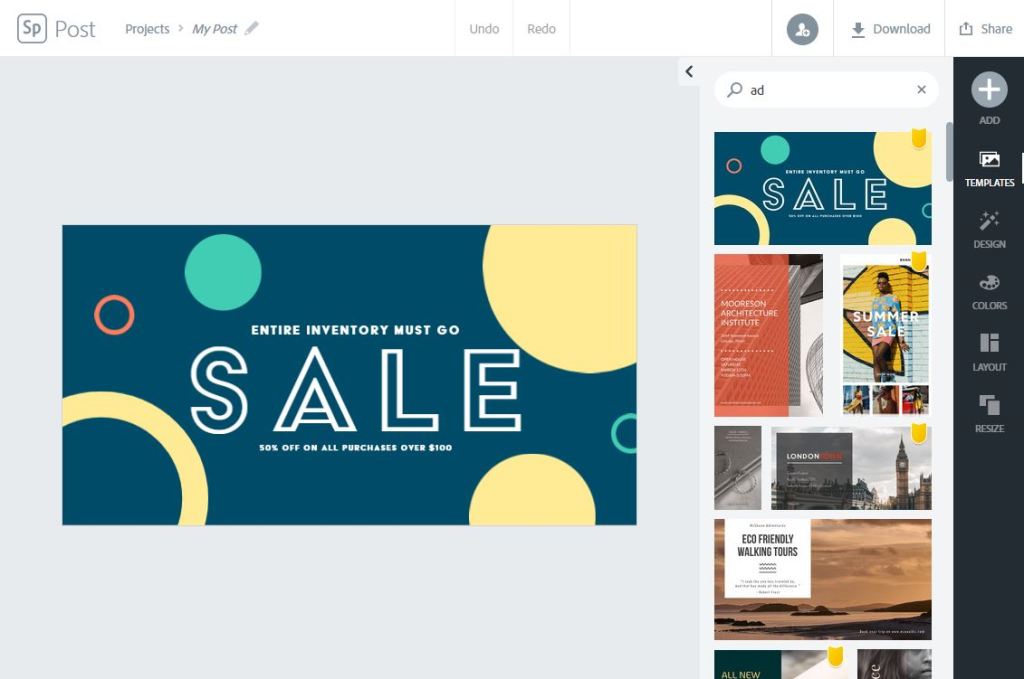
Content can be created and exported within minutes without any professional training using templates or from scratch. It’s perfect for those who need to create content to promote their work or business and are short on time.
Content options range from Instagram story graphics to photo journal web pages and even the option for campaign videos.
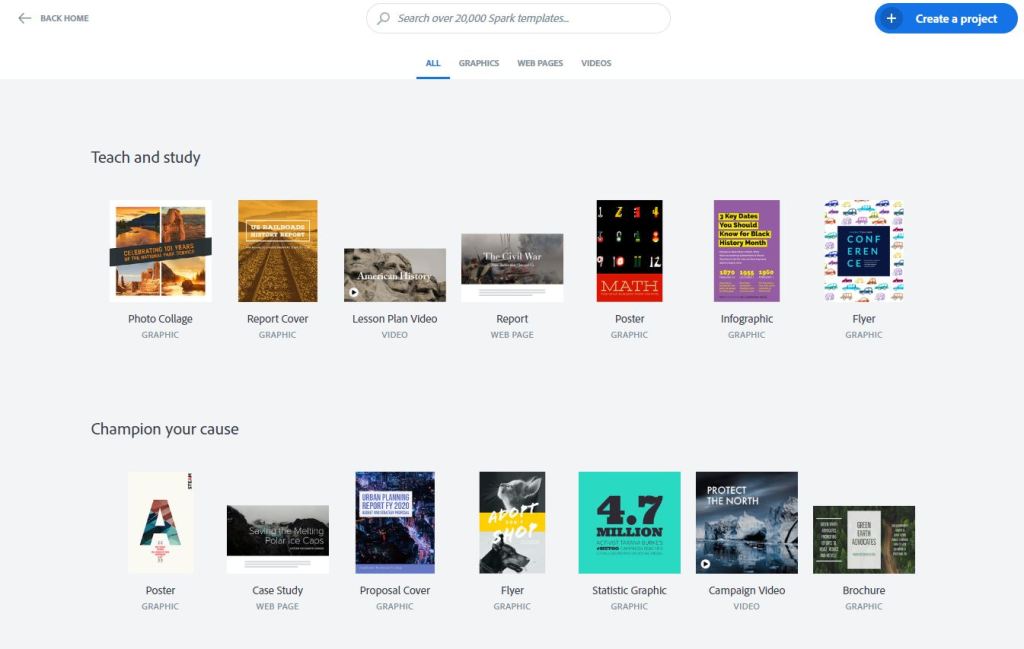
In addition to the large options, Adobe Spark is relatively easy to use with little to no training. It features a large library of templates and assets including professional-quality soundtracks for your short videos.
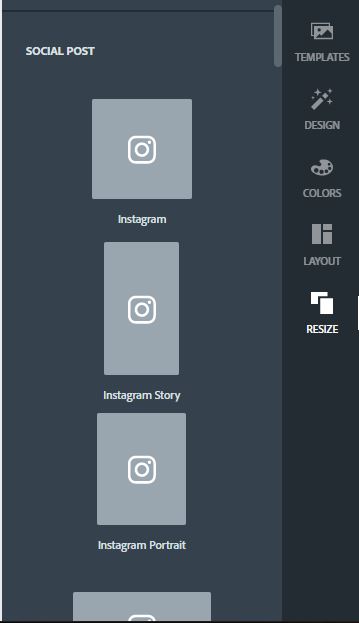
Adobe Spark also features a resize section that will let users resize their creations to their respective social media environment for best fit.
Thoughts:
Although I only scratched the surface of Adobe Spark’s capabilities, I think it is a very essential item in both professional and non-professional’s tool-belts. The ability to create all original content while maintaining deadlines is difficult and Spark helps ease that stress. Original graphics and flyers can be created in minutes to help businesses advertise quickly without hours of training in Adobe Illustrator. My only complaint is that you can not get too detailed with web page functionality when using Spark. It excells at best with single scrolling web pages but I can not complain too much especially when the entire service is FREE!
 Tech Thoughts | Carlos Robles